
In the booming world of virtual influencers and digital storytelling, consistency is the currency of credibility. For AI-generated characters to maintain a cohesive identity across a multi-platform social media campaign—like the crucial 30-day blitz—creators must master the art of the Character Reference.
Tools like Midjourney’s Character Reference (--cref) feature have revolutionized this process, providing a streamlined way to lock in a virtual persona’s core attributes. This guide breaks down the essential tools and best practices to ensure your AI star remains flawlessly recognizable, regardless of the scene, pose, or prompt.
Identity Locking the Virtual Influencer
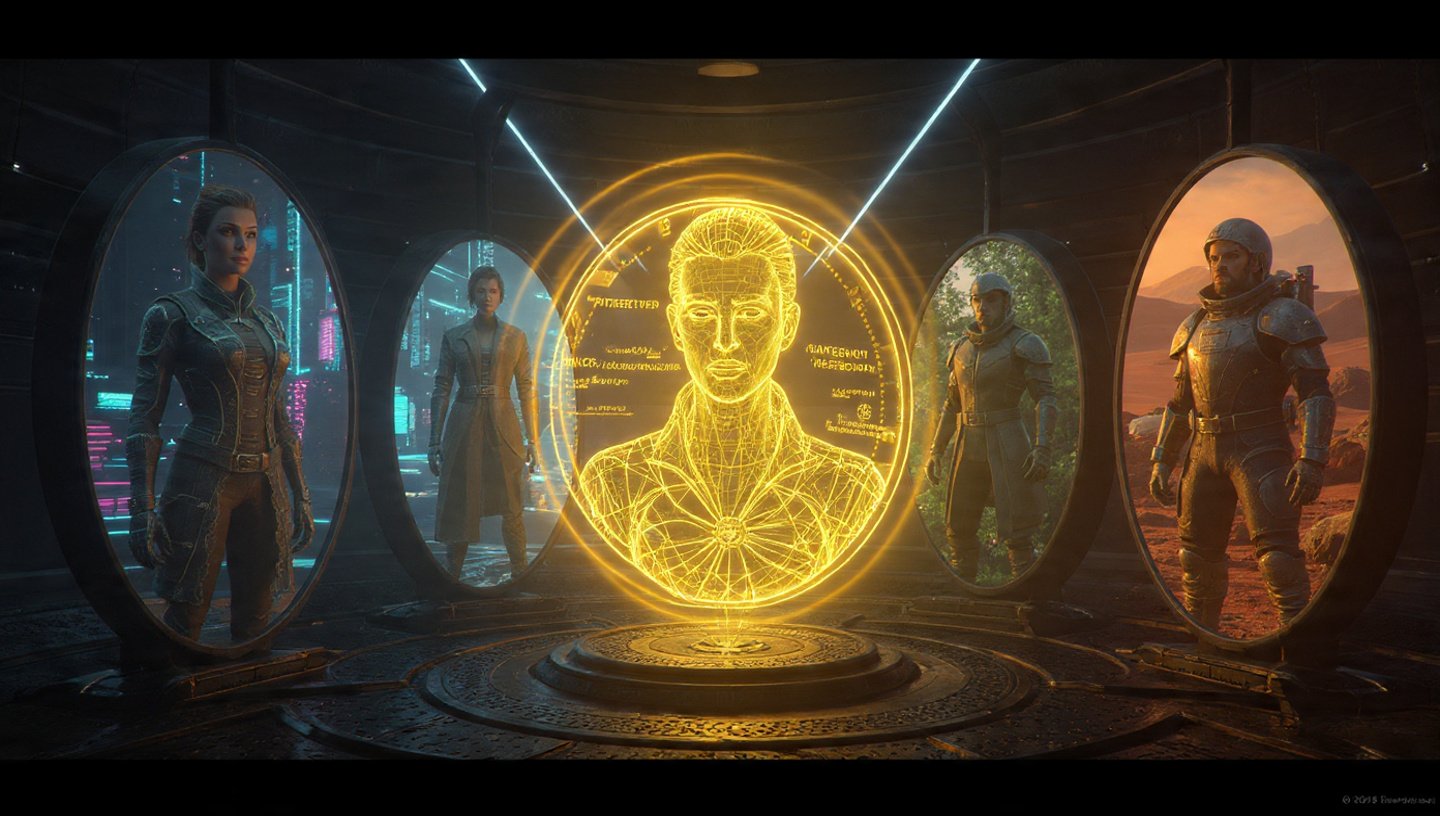
A virtual influencer’s success hinges on audience recognition and trust. Generating a character that looks slightly different in every post, reel, or story can break the immersion and dilute the brand. The objective of using a Character Reference is to achieve Identity Locking: forcing the AI generation model to use a specific, predetermined set of features as the baseline for every new image.
This base identity includes:
- Facial Structure: Jawline, eye shape, nose, and bone structure.
- Core Features: Eye and hair color, distinguishing marks (freckles, scars, moles—though fidelity can vary).
- Proportions: Overall body type and height/size relationship.
The Foundation: The --cref URL Parameter
The Character Reference parameter (--cref URL) is the single most important tool for identity locking. It instructs the AI to analyze a specific reference image (which must be hosted online, thus requiring a valid URL) and extract the character’s defining traits.
How to Use --cref
- Obtain a Valid URL: You must first generate or upload your Base Character Sheet (discussed below) and get a public URL for that image.
- Append to the Prompt: You simply add the parameter and the URL to the end of your text prompt.
Example Prompt:
/imagine prompt a glamorous influencer sipping coffee in Paris street cafe, cinematic lighting --cref [YOUR_IMAGE_URL]
The model then uses the character data from the URL as the primary visual guide, adapting the character to the new scenario, lighting, and action described in the text prompt. This is what allows the same virtual face to appear consistently, even across different lighting and angles.
The Crucial Slider: Character Weight (--cw)
While --cref establishes the character, the Character Weight parameter (--cw) determines how strictly the AI adheres to the reference image—specifically regarding their outfit, hairstyle, and non-facial details. This slider is crucial for balancing consistency with creative flexibility over your 30-day campaign. The range for this parameter is typically from 0 to 100.
Understanding the Character Weight Spectrum
| Parameter | Weight Description | Use Case in a Campaign |
--cw 100 (Default)
|
“Keep the face and the outfit exactly the same.” This is the most consistent setting. The AI attempts to replicate all details: face, hair, clothing, and accessories. | Ideal for sequential posts in the same outfit (e.g., a short video series, a character in a uniform, or close-up portrait shots). |
--cw 0
|
“Keep the face, but change the clothes and hair.” The AI focuses intensely on replicating the facial features but is free to interpret new clothing, hairstyles, or minor accessories based on the text prompt. | Essential for day-to-day campaign posts where the character is in new locations, outfits, or exploring variations (e.g., “wearing a swimsuit on the beach,” “in a leather jacket at a concert”). |
For a virtual influencer campaign, creators often float between --cw 0 (to change outfits and scenes) and a moderate setting like --cw 50 (to allow new styles while maintaining a similar clothing vibe).
The Master Reference: The “Base Character” Sheet
The quality of your reference image directly impacts the consistency of your results. A single, high-quality “Base Character” Sheet is highly recommended to serve as the master reference image for your --cref URL.
Why a “Mugshot” Sheet is Key
- Optimal Data: A neutral, well-lit, front-facing image provides the AI with the clearest possible data on facial geometry and features.
- Eliminates Confusion: By generating an initial “mugshot” sheet, you isolate the character’s core look from distracting background elements, complex lighting, or dynamic poses.
- Consistency from Day One: If your reference image is a clean, full-body character against a plain background, the AI has a perfect starting point for all 30 days of the campaign.
Best Practices for the Base Character Sheet
- Neutral Pose and Expression: The character should be looking directly at the “camera” with a neutral or slight smile.
- Consistent Lighting: Use flat, bright lighting to avoid shadows that can obscure features.
- High-Resolution: Use an image with a high pixel count (e.g., 1024×1024 or higher) to maximize the detail the AI can extract.
- Use AI-Generated Art: Most character reference features work best when the reference image itself was created by the same AI platform, as it understands the feature encoding better than it does with a photo of a real person.
By diligently creating a high-fidelity Base Character Sheet, you simplify the process for the AI, giving it a strong foundation for consistent character portrayal across a varied, 30-day content schedule. Mastering the --cref URL and strategically adjusting the --cw slider is the blueprint for creating a believable, consistently recognizable, and commercially viable virtual influencer.