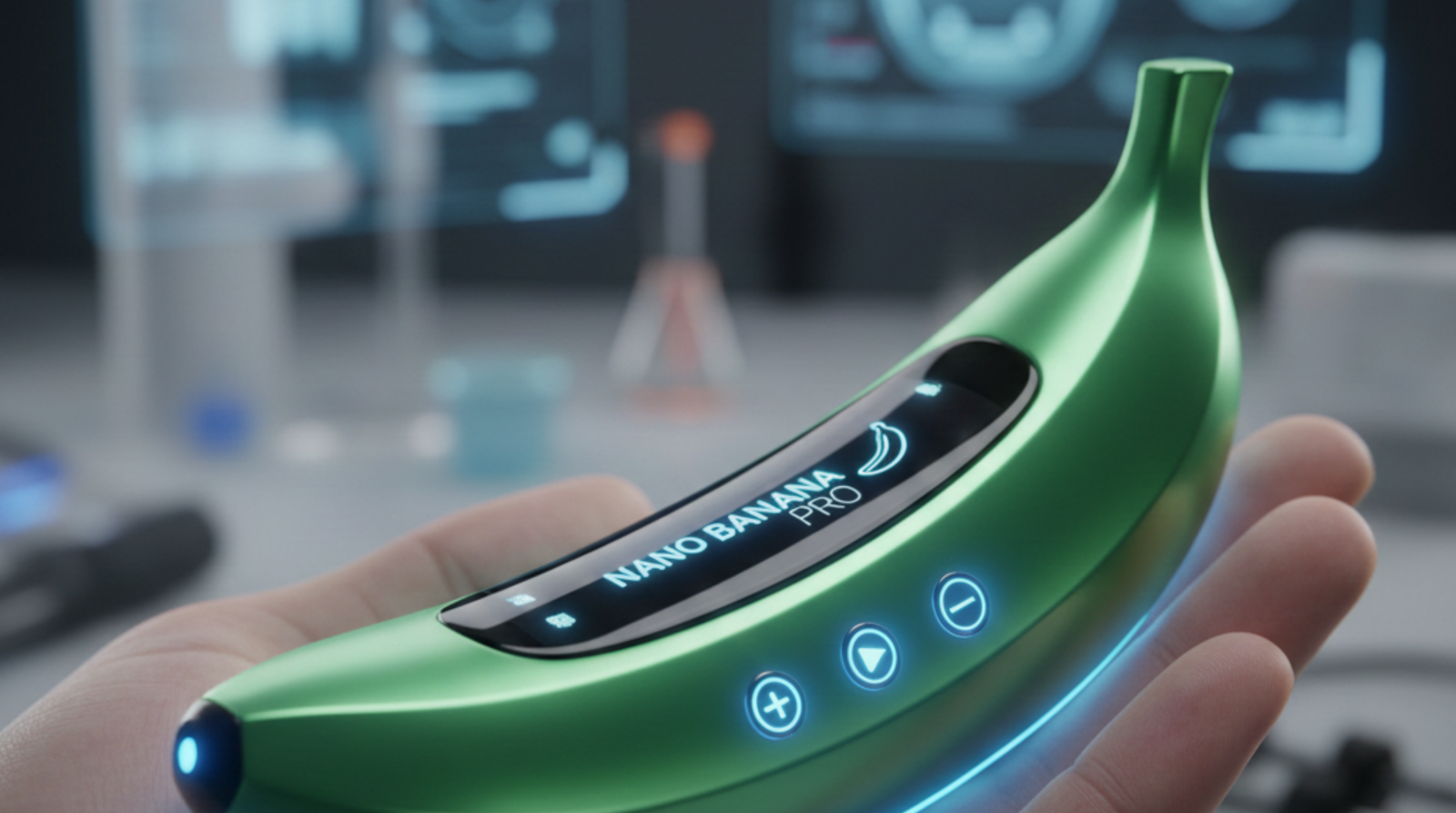
If you have been looking for Nano Banana Pro, you likely already know it is the gold standard for AI image generation in 2025. Formally known as Gemini 3 Pro Image , this model has taken the creative world by storm because of its ability to render perfect text, maintain character consistency, and produce studio-quality 4K visuals.
The best part? You don’t have to pay $20/month immediately to use it. Here is how to access Free Nano Banana Pro using the Gemini trial and other legitimate methods.
What is Nano Banana Pro?
Nano Banana Pro is the successor to the original “Nano Banana” (Gemini 2.5 Flash Image). While the base model is great for quick sketches, the Pro version adds a “reasoning core” that allows it to follow complex, multi-step instructions.
| Feature | Nano Banana (Standard) | Nano Banana Pro |
| Engine | Gemini 2.5 Flash | Gemini 3 Pro |
| Resolution | 1024 x 1024 (1 MP) | Up to 4K (8 MP) |
| Text Rendering | Basic / Occasional errors | Perfect Multilingual Text |
| Image Blending | Up to 5 images | Up to 14 images |
| Consistency | 2 consistent characters | 5+ consistent characters |
Method 1: The 1-Month Gemini Trial (Full Access)
The most reliable way to get the full Nano Banana Pro experience—including 4K upscaling and unlimited editing tools —is through the Gemini 3 Pro trial.
- Visit the Gemini Website: Go togemini.google.com.
- Start Your Trial: Click on the “Upgrade” or “Try Gemini Advanced” button. Google currently offers a 1-month free trial for new users.
- Verify Your Account: You will need to provide a payment method for verification, but you won’t be charged if you cancel before the 30 days are up.
- Activate “Thinking Mode”: Once upgraded, open the model selector at the top of the chat and select “Thinking.” This activates the Nano Banana Pro engine.
Pro Tip: During your trial, you get roughly 1,000 “Pro Credits,” which is enough for hundreds of high-res 4K renders.
Method 2: The Gemini App Free Quota
You don’t always need a trial to use the Pro model. Google provides a small daily “teaser” quota to free users.
- Download the Gemini App (Android or iOS).
- Use the Create Images tool.
- By default, the first 3 images per day are often processed using a lightweight version of Nano Banana Pro (capped at 1 MP resolution).
- Once this quota is exhausted, the app will automatically fall back to the standard Nano Banana model.
Method 3: Google Flow Labs & Student Offers
If you are a student or a heavy creator, there are two specialized ways to get Nano Banana Pro for free:
- Google Flow Labs: This is Google’s dedicated AI filmmaking tool. It uses Nano Banana Pro for frame generation. New users often get a separate 1-month trial specifically for Flow projects.13
- Student Verification: Check the Gemini for Students portal. Depending on your region, students with a valid
.eduemail can sometimes unlock up to one year of Gemini Pro (and thus Nano Banana Pro) for free.
How to Use Nano Banana Pro Like a Professional
To get the most out of your free trial, use these advanced prompts that the standard model can’t handle:
- Multilingual Design: “Create a movie poster for a film titled ‘L’Étranger’ with the tagline ‘Rien n’est simple’ in elegant French typography.”
- Complex Composition: “A wide shot of a futuristic Tokyo street. Place a red neon sign on the left saying ‘OPEN’ and a robot cat sitting under a blue umbrella on the right.”
- Brand Consistency: Upload a photo of yourself and prompt: “Generate a 3D figurine of the person in this photo wearing a space suit, maintaining exact facial features.”
Ready to start creating? Let’s go!