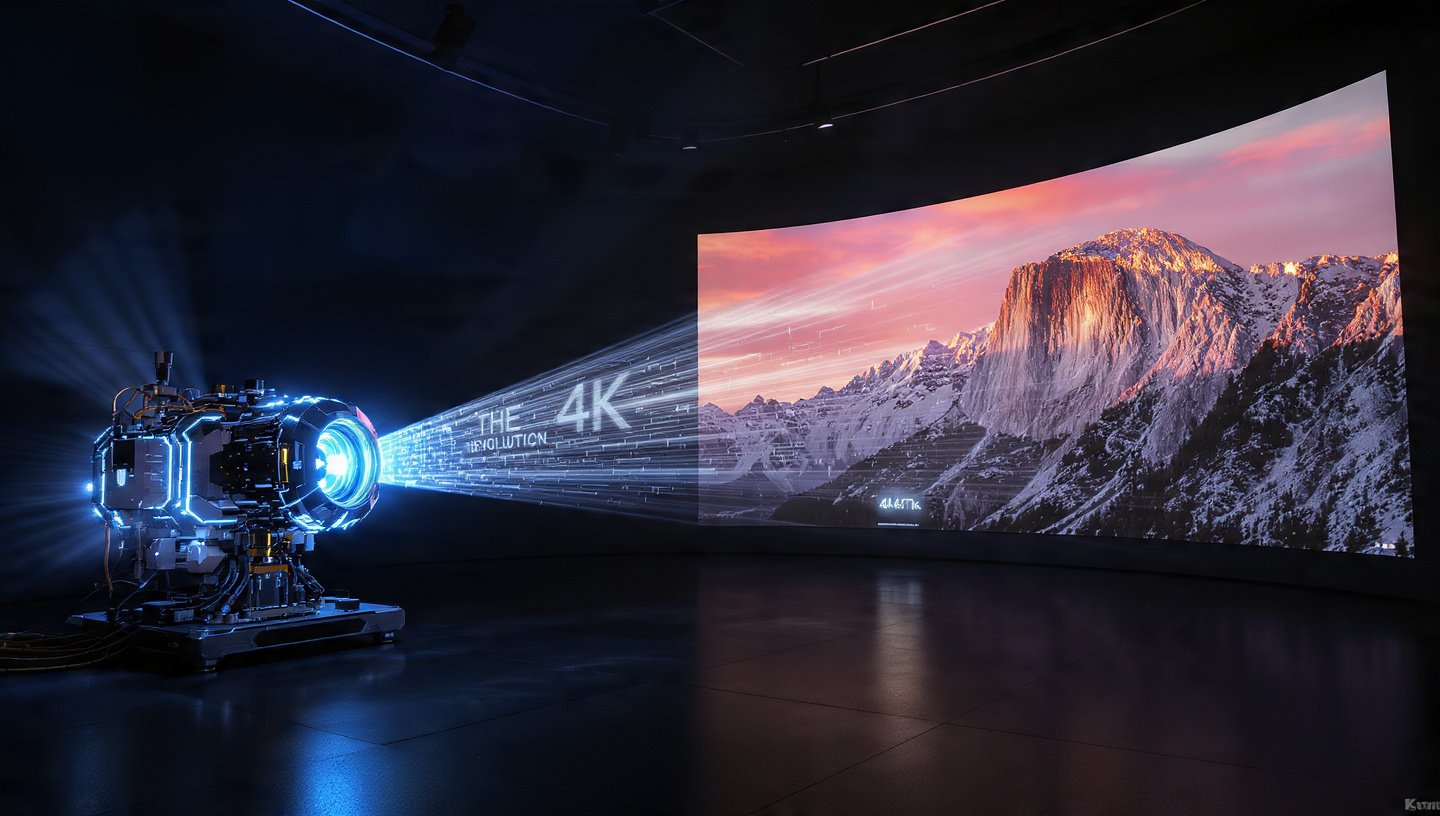
The digital landscape demands high-resolution video. But as generative AI tools become ubiquitous, a new problem has emerged: The Resolution Gap. Most AI video generators, while powerful, output footage at resolutions like 720p or low-bitrate 1080p. When displayed on a large 4K TV or professional monitor, this footage looks muddy, soft, or pixelated. It’s simply not ready for prime time.
The solution is AI Video Upscaling. This transformative process leverages deep learning to not just stretch a video, but to intelligently reconstruct and generate missing details, making low-resolution clips usable for cinema, broadcasting, and large-screen display.
What is AI Video Upscaling?
AI video upscaling is the art and science of increasing a video’s pixel count (resolution) while simultaneously enhancing its visual quality.
Traditional vs. AI Upscaling
- Traditional Upscaling (Interpolation): Older methods estimate new pixels based solely on their neighbors. Lacking context, this often results in a blurry or soft image when enlarged.
- AI-Powered Upscaling (Deep Learning): Trained on massive datasets, AI upscalers use neural networks to predict and generate new details. Instead of guessing, the AI creates plausible textures, resulting in sharper edges and a realistic look.
The Industry Standard: Topaz Video AI
For video professionals and creators looking to truly master AI upscaling, Topaz Video AI is the current industry leader. It is renowned for its suite of specialized models that cater to different source quality issues. It goes far beyond simple resolution boosting.
Sharpening Edges and Adding Realistic Texture
The most powerful feature of Topaz Video AI is its library of highly specialized enhancement models. For cleaning up soft, AI-generated footage, two models stand out:
- Artemis (Detail Recovery): This is often the best model for upscaling general low-to-medium quality footage, especially AI-generated clips that often suffer from a smooth, slightly unnatural look.
- Goal: Aggressively restore detail, reduce common compression artifacts, and sharpen features.
- Workflow: Use Artemis High Quality (HQ) or Medium (MQ) to put fine details, like skin texture or fabric patterns, back into overly-smooth areas. It is generally the first choice for maximum detail reconstruction.
- Proteus (The Versatile Workhorse): Proteus is a general enhancement model that offers granular, manual control via sliders. It is the go-to model when you need to fine-tune the output to perfection.
- Goal: Provide full control over Revert Compression, Sharpen, Recover Details, and Reduce Noise.
- Workflow: You can set the sliders manually to balance noise reduction with detail recovery. It’s ideal for a “surgical” enhancement, allowing you to specifically add back realistic texture (via the Recover Details slider) while avoiding the over-smoothing that can plague heavily compressed video.
Pro Tip for AI Video
AI-generated video often lacks true texture but has minimal noise. A smart workflow is to use Artemis or the Recover Details setting in Proteus to deliberately re-introduce subtle, realistic texture and edge sharpness, transforming the smooth, digital look into a convincing high-resolution image.
Making it Smooth: Frame Interpolation (FPS Boost)
Resolution isn’t the only factor defining a premium viewing experience; motion fluidity is just as critical. Many current AI video generators output at a standard 24 frames per second (fps), which can look choppy or cinematic, but lacks the buttery smoothness often desired for commercials, vlogs, or action shots.
AI Frame Interpolation is the process that solves this.
How Frame Interpolation Works
AI interpolation analyzes the motion between two existing video frames (e.g., Frame 1 and Frame 2) and uses its deep-learning models to synthesize and insert a completely new, intermediate frame that perfectly captures the movement.
$$Frame_{1} \xrightarrow{\text{AI Motion Analysis}} Frame_{1.5} \xrightarrow{\text{AI Motion Analysis}} Frame_{2}$$
This doubles the frame rate—transforming 24fps to 48fps, or 30fps to 60fps. It can even reach 120fps for extreme slow-motion.
- The Benefit: Boosting 24fps video to a smooth 60fps creates a high-end, professional feel. The footage becomes instantly ready for modern screens and fast-paced edits.
- The Result: This allows for realistic slow-motion from standard footage. By generating new in-between frames, the AI eliminates the choppiness usually caused by slowing down low-FPS video.
Software like Topaz Video AI uses these features to ensure natural movement. This transforms raw, choppy footage into polished, professional video
AI video upscaling is no longer a niche restoration tool—it is an essential post-production step for any content creator using generative AI. By intelligently reconstructing detail with models like Artemis en Proteus, and mastering motion with AI frame interpolation, you bridge the resolution gap and deliver video that meets the rigorous demands of 4K and beyond.