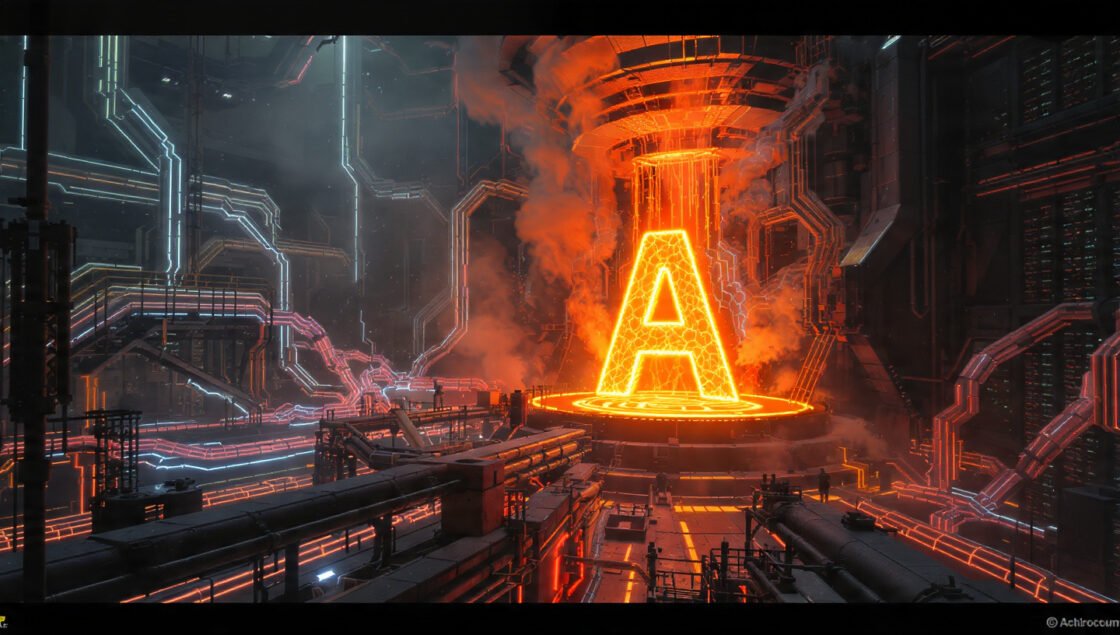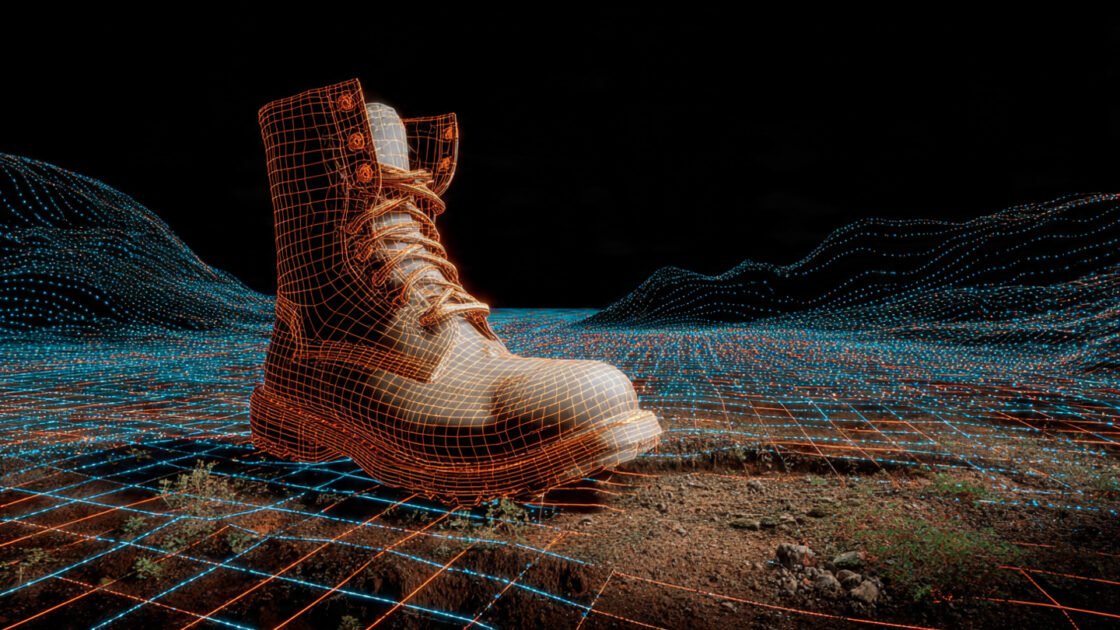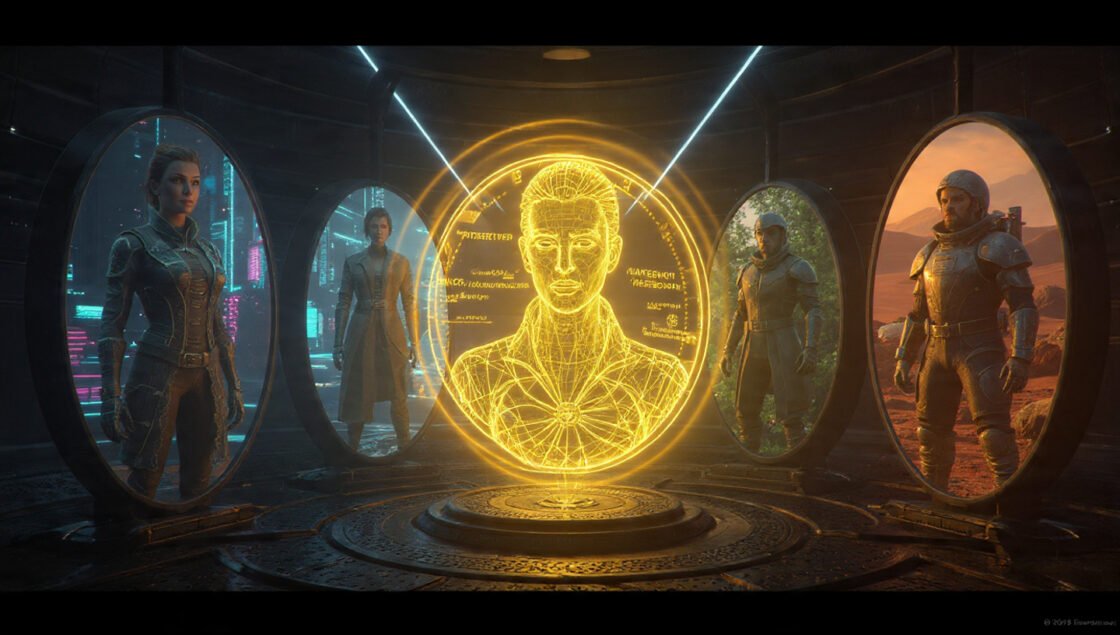
In the high-stakes world of film and creative pitching, a pitch deck isn’t just a presentation; it’s a promise. It promises that you have a vision, a story, and the capability to execute it. Traditionally, storyboarding was a labor-intensive process reserved for skilled artists. Today, AI Storyboarding has democratized this capability, allowing creators to generate cinematic shots in seconds.
However, the “randomness” of AI generation often breaks the illusion. Characters change faces between slides, and room layouts shift inexplicably. This guide covers advanced techniques to solve these problems, specifically focusing on Narrative Continuity, the “Pan” Technique, and Shot Progression to help you rank #1 in your next creative pitch.
1. The Goal: Cinematic Narrative Continuity
Narrative continuity is the glue that holds a visual story together. When using AI tools like Midjourney, Stable Diffusion, or Dall-E 3, the default output often feels like a collection of unrelated concept art rather than a cohesive movie scene.
To create a professional pitch deck, your shots must look like they were filmed on the same day, on the same set, with the same actors. Your goal is to move beyond “cool images” to “finished movie shots.”
2. The “Pan” Technique: Perfect Environmental Consistency
One of the hardest things to control in AI is the background. If you generate a “Close-up of a detective” and then a “Wide shot of the office,” the AI will likely invent two completely different offices.
The “Pan” Technique solves this by reversing the traditional workflow. Instead of generating distinct shots, you generate the environment first.
Step 1: Generate the “Master Shot”
Start by creating a massive, ultra-wide image of your setting. This is your “Master Shot.” Use an aspect ratio like --ar 16:9 or even wider (--ar 21:9 or 3:1 if your tool supports it) to capture the entire room or landscape.
- Prompt Tip: Focus heavily on architectural details, lighting, and mood.
- Why it works: You are establishing the “truth” of the room layout once.
Step 2: The Crop Strategy
Once you have your Master Shot, do not generate new images for your medium or close-up shots of the environment. Instead, use photo editing software (or the AI’s “outpainting/pan” features) to crop into that original Master Shot.
- Establishing Shot: Use the full image.
- Medium Shot: Crop 50% into the left or right side.
- Detail Shot: Crop closely into a specific desk or window.
By deriving multiple storyboard panels from a single high-resolution generation, you guarantee 100% environmental consistency. The door is always on the left. The window light always hits from the right. To the audience, it looks like a camera panning across a real set.
3. Seed Control: Taming the Chaos
While the Pan Technique handles the where, Seed Control handles the who and the vibe.
Every AI image starts as random static noise. The Seed is the specific number that identifies that pattern of noise. If you use the same prompt with a different seed, you get a different image. If you use the same prompt with the same seed (--seed 12345), you get the exact same image.
How to Use It for Continuity
When you need to generate a new angle that you can’t get via cropping (like a character turning around), you must stabilize the generation using the seed parameter.
- Find a Seed you like: Generate a character portrait you love. Note the seed number (e.g.,
39201). - Apply to new prompts: When generating the next shot, append
--seed 39201to the end of your prompt. - Result: The AI uses the same “noise pattern” DNA. While not perfect, it significantly increases the chance that the lighting style, color palette, and general facial structure remain similar to the previous shot.
Pro Tip: Combine Seed Control with Character References (like Midjourney’s --cref tag) for maximum character fidelity.
4. Shot Progression: The Visual Guide
A pitch deck that consists only of medium shots is boring. To mimic the flow of a movie, you must vary your camera angles strategically. Follow this Shot Progression template to guide your audience through a scene naturally.
A. Establishing Shot (The “Where”)
- Purpose: Orient the viewer. Show the geography.
- Prompt Keywords:
Wide angle,Extreme Long Shot,Master Shot,Cinematic lighting,Volumetric fog. - Technique: Use the full “Master Shot” from the Pan Technique here.
B. Medium Shot (The “Who”)
- Purpose: Introduce the character in their context. We see body language and action.
- Prompt Keywords:
Waist up,Mid-shot,Rule of thirds,Action shot. - Technique: Crop into your Master Shot or generate a new image using the same Seed to keep the lighting consistent.
C. Over-the-Shoulder (The “Relationship”)
- Purpose: Show interaction. This places the viewer in the scene, creating intimacy or tension between characters.
- Prompt Keywords:
Over-the-shoulder,OTS,Depth of field,Blurred foreground,Focus on [Character B]. - Technique: This is hard to “crop” from a master shot. You will likely need to generate this fresh. Use the same Seed and consistent color grading keywords to match the previous slides.
D. Extreme Close-up (The “Emotion”)
- Purpose: The climax of the beat. Pure emotion or a critical detail (a nervous tic, a gun in a drawer).
- Prompt Keywords:
Macro photography,Extreme Close-up,Eye level,Detailed texture,Iris detail. - Technique: This requires a high-resolution generation. Focus purely on the texture and lighting. The background matters less here because it will likely be blurred (bokeh), which hides continuity errors.
Conclusion
AI storyboarding is not about typing a prompt and hoping for the best. It is a technical workflow that combines creative prompting with rigid asset management. By anchoring your environment with the Pan Technique, stabilizing your style with Seeds, and directing the eye with proper Shot Progression, you transform random AI generations into a compelling, consistent visual narrative that sells your story.