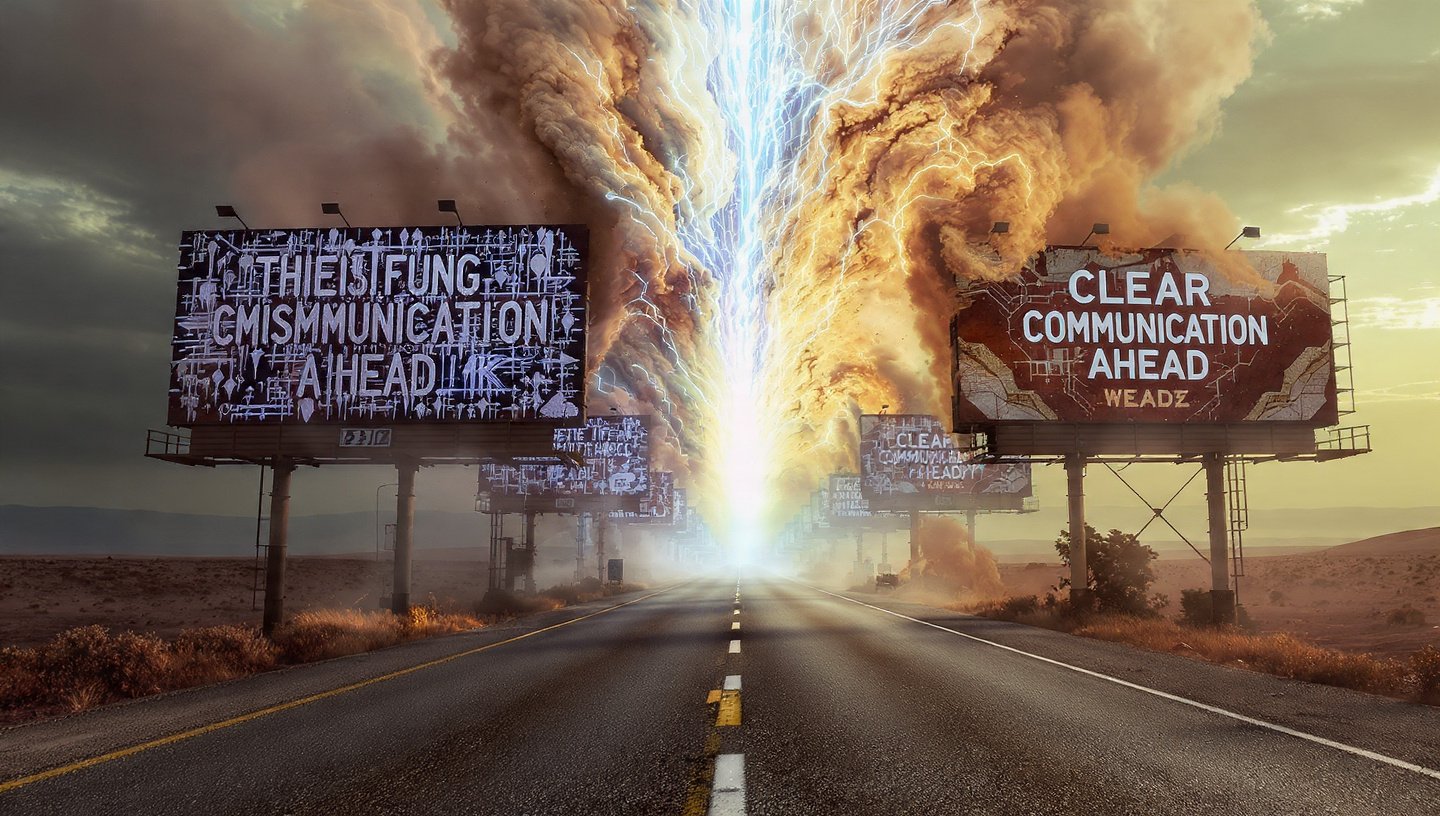
Generating accurate text in AI image has historically been the Achilles’ heel of AI art. We’ve all seen it: a stunning, photorealistic cyberpunk city ruined by a neon sign that says “CFFEE” or generic gibberish.
If you are tired of scrubbing out bad spelling in Photoshop, this guide is for you. We are moving beyond “hoping for the best” to a precision workflow that guarantees correct text in your AI images every time.
The Core Problem: Why Most AI Struggles with Text in Image
Models like Midjourney and Stable Diffusion are built on diffusion technology that treats letters as shapes (textures), not linguistic symbols. They “paint” the idea of text rather than “writing” it.
The Solution: Specialized models like Ideogram have bridge architectures that understand character sequences, allowing for near-perfect spelling for logos, t-shirts, and signage.
1. Ideogram: The Undisputed “Text King”
For any project where legibility is the priority—logos, merchandise, posters—Ideogram is currently the industry standard.
Why It Wins
- Semantic Understanding: It renders long phrases (even full sentences) without hallucinating extra letters.
- Style Flexibility: It can render text in 3D, neon, embroidery, or paint without losing legibility.
- Vector-Ready Aesthetics: Its output is often clean enough to be easily vectorized in Illustrator.
Best Use Cases for Ideogram
| Use Case | Recommended Workflow |
| Logos | Prompt for “flat vector, minimal, whitespace” to get clean lines. |
| T-Shirt Design | Use “isolated on white background” to make background removal easy. |
| Signage | Specify materials (e.g., “etched in wood,” “neon glass”). |
2. The “Plate” Method: A Pro Workflow
The “Plate” method is a composite workflow designed to get the best of both worlds: Midjourney’s superior artistic texture en Ideogram’s superior typography.
Think of it like a chef plating a meal: You cook the main dish (the image) separately from the garnish (the text), then combine them.
Step-by-Step Workflow
Step 1: The Base (Midjourney)
Generate your visual background in Midjourney.
- Prompt Tip: Use
--no textor--no lettersto ensure you have a clean canvas. - Goal: Create a beautiful, texture-rich background with negative space where you want the text to go.
Step 2: The Text Plate (Ideogram)
Take your Midjourney image and upload it to Ideogram as an Image Reference (or simply generate the text on a solid color background if you plan to blend modes later).
- Prompt: Describe dat alleen the text and the font style you want.
- Key Setting: Set “Image Weight” high if you want to keep the composition of your Midjourney upload.
Step 3: The Composite (Photoshop/Canva)
Layer the Ideogram text over the Midjourney background.
- If you generated text on a black background: Use the Screen blend mode.
- If you generated text on a white background: Use the Multiply blend mode.
Pro Tip: This saves hours of trying to get one model to do two things perfectly. Let the specialist tools do what they are best at.
3. Font Locking: How to Prompt for Visual Identity
AI models cannot yet access your system’s font library (like “Arial” or “Times New Roman”). However, you can use “Font Locking”—prompting for specific visual descriptors that force the AI to mimic distinct typographic styles.
To “lock” a font style, you must describe the classification, weight, and mood of the typeface.
The Font Prompt Cheatsheet
Modern/Tech Brands (Sans-Serif)
- Keywords to use: “Grotesque sans-serif,” “Helvetica-style,” “Swiss typography,” “Bold geometric,” “High tracking” (spacing).
- Example Prompt:
A futuristic logo saying "NEXUS" in bold geometric sans-serif typography, white text on black, minimalist.
Luxury/Traditional Brands (Serif)
- Keywords to use: “Didone,” “High contrast serif,” “Elegant editorial font,” “Thin serifs,” “Roman typography.”
- Example Prompt:
A perfume label saying "Elegance" in high-contrast Didone serif typography, gold foil texture, luxury aesthetic.
Streetwear/Casual (Script & Display)
- Keywords to use: “Brush script,” “Graffiti tag,” “Bubble letters,” “Handwritten marker,” “Vintage Americana.”
- Example Prompt:
T-shirt design saying "Summer" in distressed vintage americana script, orange and cream colors.
Troubleshooting “Bad Spelling”
If Ideogram creates a typo, use this checklist:
- Quote It: Ensure your text is inside double quotes in the prompt (e.g.,
text saying "Hello"). - Simplify: Break long sentences into two separate generations/lines.
- Remix: Use the “Remix” button on a result that is almost correct rather than starting from scratch.
Summary
To master text in image generation, stop fighting a single tool. Use Ideogram for the letters, Midjourney for the art, and the Plate Method to bring them together. By describing fonts by their style rather than their name, you can achieve on-brand results without opening Illustrator.